
Why people actually need this
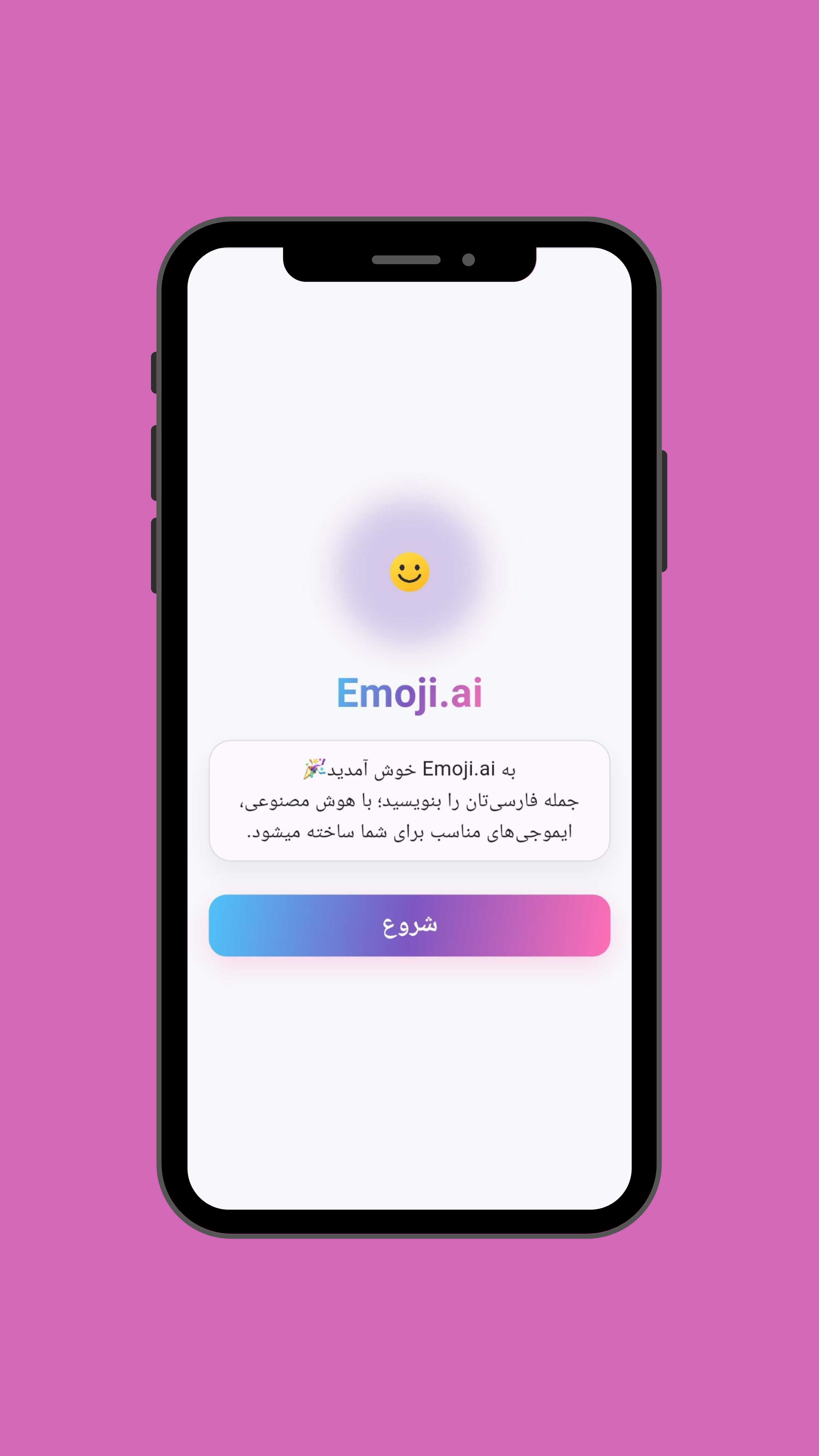
Most messaging today is either too dry ("ok") or too long (explaining everything). Emoji.AI sits in the middle: fast, expressive, and low-effort — especially for introverts and busy people.
Best use cases
- Quick reactions to messages (supportive, funny, calm)
- Social posts and comments
- Reducing misunderstandings (tone matters)
- Multilingual users who want emotion without perfect words
Privacy-first matters
Emoji is personal. Your tone, your feelings, your social context — that's sensitive. Emoji.AI is designed with a privacy-first approach so the tool feels safe, not invasive. All processing happens locally on your device.
Note: No cloud upload, no analytics, and no tracking — your data stays entirely yours.
How to use it effectively
- Describe your mood in 3–5 words.
- Choose a tone (friendly / professional / funny).
- Pick a reaction set and use it immediately.
Final thoughts
Emoji.AI is small, but useful — and those are the tools people keep. When a tool saves time and makes communication smoother, it becomes part of daily life.
⭐
Rating: 4.3/5
Fun and practical
A clever solution for modern digital communication. The privacy-first approach makes it trustworthy for daily use.