
Why typing is a hidden superpower for language learning
Most people learn words by reading. Some learn by listening. But typing forces a deeper kind of memory: you don't just recognize a word — you produce it. That activates stronger recall and reduces "I understand but can't speak/write" problems.
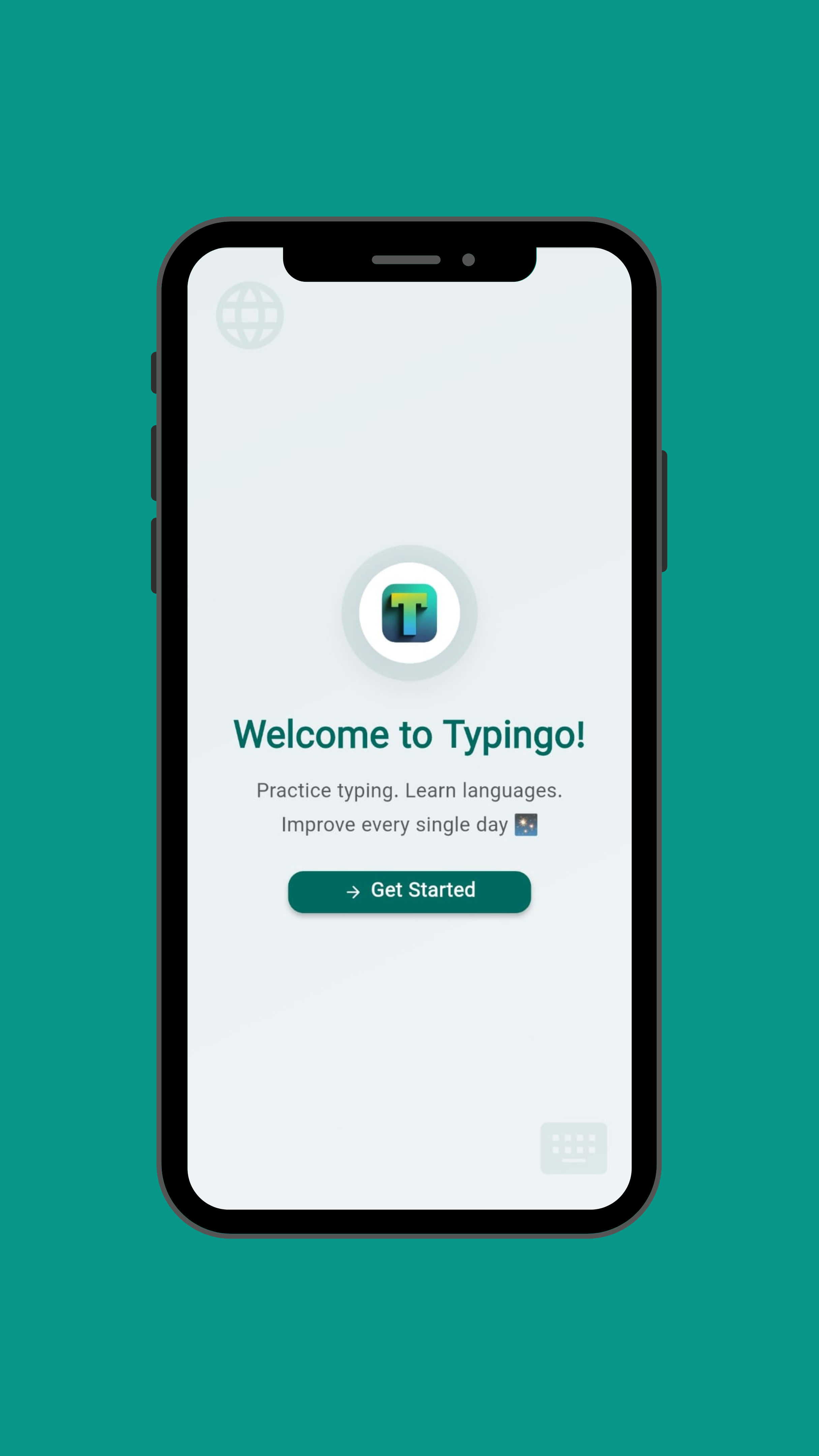
What Typingo does (in plain words)
- Shows short sentences by level (Beginner → Advanced)
- Lets you practice by typing with a timer
- Tracks accuracy, speed, streak, and stats over time
- Supports multiple languages and translations
✅ Pros
- • Privacy-first (data stays on device)
- • Multiple practice modes
- • Progress tracking
- • Works offline
⚠️ Considerations
- • No voice input support
- • Limited to typing exercises
- • Best with physical keyboard
The 5-minute daily routine (that actually works)
- Pick a level that feels slightly challenging.
- Do 3 short runs (each 60–90 seconds).
- Repeat your mistakes once instead of doing more new content.
- Read the sentence out loud after typing it (30 seconds).
- Stop. Consistency beats long sessions.
How to avoid the #1 mistake
The #1 mistake is practicing only easy sentences. Typingo is most effective when you operate in the "edge zone": 80% success rate. If you hit 100% always, raise the level. If you fail constantly, go down.
Tip: Use Typingo's built-in progress tracking to find your perfect difficulty level. The app will suggest when you're ready to level up.
Who Typingo is best for
- People learning languages who want daily structure
- Students preparing for exams with writing sections
- Anyone wanting faster typing for work + study
Final thoughts
Typingo is not a "course". It's a training tool. If you use it daily — even 5 minutes — you'll build speed, accuracy, and language recall without boring lessons.
⭐
Rating: 4.6/5
Effective and focused
A focused tool that does one thing exceptionally well: building typing speed and language recall through daily practice.